The last-week-of-the-month chase. Gone.
Each overseer ticks off the publishers in his group as conversations happen. The secretary sees the whole congregation in a single list — Unitae surfaces the reports still outstanding. The annual Excel summary and S-21 PDFs for every publisher generate in one click — no calculator, no copy-paste.
Why month-end takes a week.
Reports arrive everywhere
Slips on Saturday. Text messages on Sunday. A WhatsApp voice note on Tuesday. Each format requires its own translation step before anything is recorded.
The secretary chases alone
No visibility before the deadline — only after. Following up means broadcasting to everyone in case it lands on the few who haven't sent yet.
The annual summary breaks formulas
A row inserted in the wrong place, a formula that no longer reaches the last group, and the totals for the circuit overseer are silently off by ten hours.
Four to eight hours every month. For a volunteer.
Group overseers fill in their own group. The secretary watches the totals come in.
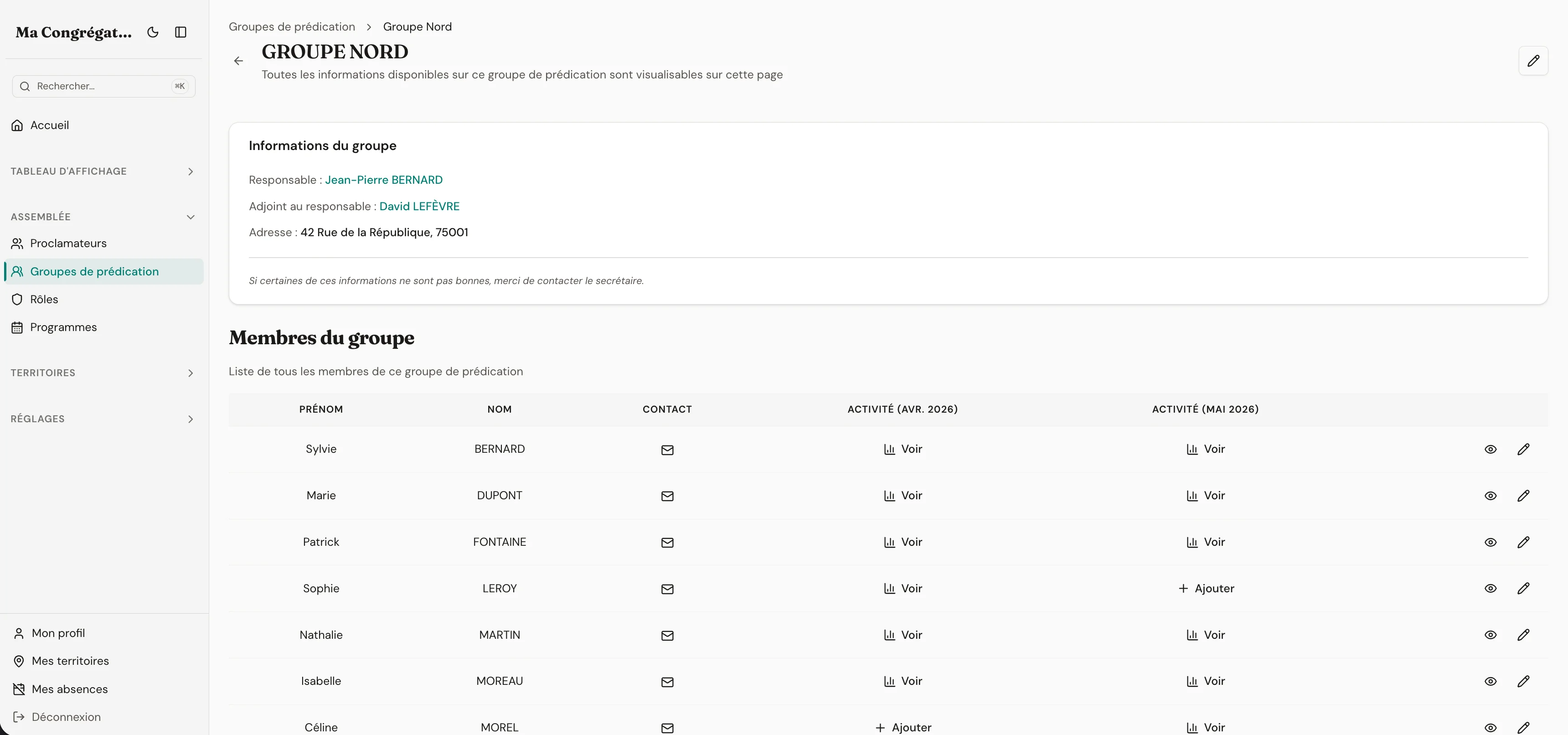
Each group overseer opens their group view, sees last month's activity, and fills in this month's reports for each member. The relationship with the publishers is preserved — the overseer is the one who knows their group.
The secretary has a full congregation view: every report, every statistic, ready to submit. The annual Excel summary generates with one click — hours, Bible studies, pioneer service, broken down by group.
- Each group overseer submits reports for their own members
- Full congregation view for the secretary with live totals as reports come in
- One-click annual Excel summary, broken down by group and ready to submit
Everything the module ships with
- Full profiles: publisher, auxiliary, regular, special pioneer, missionary, anointed, elder, ministerial servant
- Ministry-school students appear in the same list — assign them to student talks before they’re declared publishers
- Offline publishers: people without an email or login still appear in attribution dropdowns, group rosters, and activity reports
- Field service groups with responsible and deputy — group overseers submit reports for their own members
- Monthly reports: hours, Bible studies, pioneer service — recorded by theocratic year (September–August)
- Lifecycle handled cleanly: mark as left when someone moves away (reversible), anonymise later for GDPR — activity numbers stay for statistics
- Individual PDF report, batch ZIP export, annual Excel summary — every export ready when the circuit overseer asks
- Active/inactive status per month — pending reports surface at a glance
- Pioneer service across the year: standing and monthly-auxiliary enrolments, per-type yearly goals, and a Pioneers view that keeps progress toward each goal in clear view — so encouragement and help arrive in good time
- Emergency-preparedness card per member: advance-directive and go-bag status, emergency contacts, and printable rosters for a group or the whole congregation
The flow
Reports flow up. Not after-hours messages.
The publisher reports their activity to their group overseer. The overseer logs it row by row, ticking each publisher off as conversations happen, and fills in for anyone he couldn't reach. The secretary watches the totals arrive in real time, and Unitae automatically surfaces the reports still outstanding. No translation step from text-to-WhatsApp-to-spreadsheet — one number, from the group all the way to the annual export.
Publisher
Reports hours, Bible studies, and pioneer service to their group overseer — by message, in person, or however the group prefers.
Group overseer
Reviews the group, fills in for anyone offline. Sees last month side by side with this month.
Secretary
Watches the totals come in. Exports the summary in one click.
Lifecycle
When someone moves away — and when they don’t come back.
Mark a publisher as left when they move. Their data is preserved untouched and they disappear from active lists. If they return, built-in roles snap back from their profile flags. When you decide their identity is no longer needed, anonymise — names and dates are scrubbed, but the activity numbers stay (without a name attached) so historical statistics remain accurate. Every anonymisation is logged in a deletion ledger.
Present
Active in the publisher list, attribution dropdowns, group rosters and activity reports.
Left (reversible)
Disappears from active lists; data preserved untouched. Mark as returned and built-in roles snap back from the profile flags.
Anonymised
Name, contact, dates scrubbed. Activity numbers preserved (no name attached) so historical statistics remain accurate. Recorded in a deletion ledger for backup reconciliation.
Left ↔ Present is reversible. Anonymised is permanent.
Governance
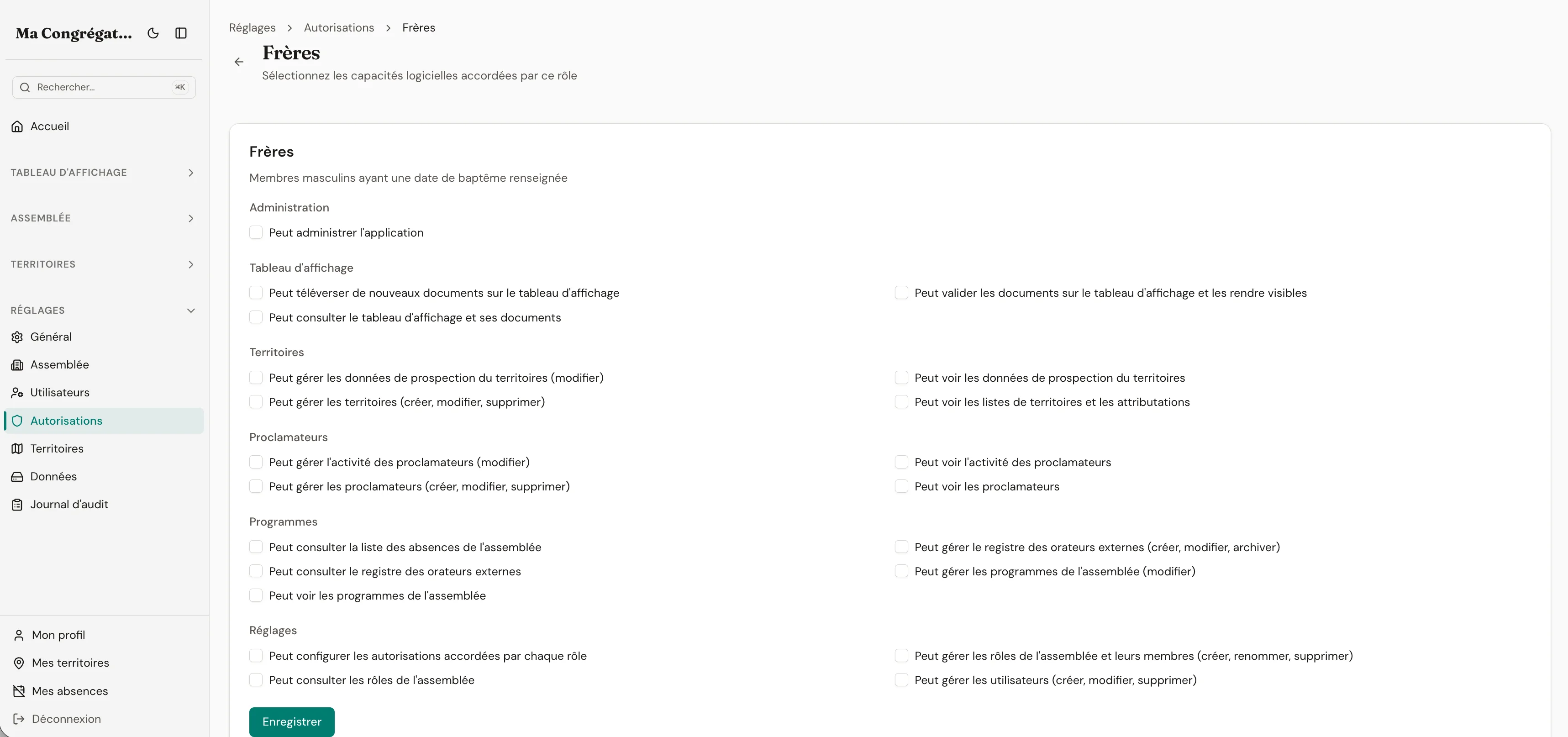
Each role sees what it should. Nothing else.
A congregation juggles overlapping responsibilities and sensitive details — health notes, family situations, attendance gaps — and one shared spreadsheet leaks every line to everyone. Unitae maps roles to real responsibilities (publisher, group overseer, elder, secretary), and each role opens its own scoped view. Elders set the rules from a few menus, no IT vocabulary, and a publisher can never accidentally land on data that wasn’t meant for them.
- A publisher only sees their own card and their own activity
- A group overseer sees their group — never another group’s data
- Elders configure roles in a few clicks, no admin training needed
- Sensitive fields stay hidden unless the role explicitly allows them
Accountability
Six months later, you still know who changed what.
Roles decide who can change a publisher's record. But changes still happen — a publisher gets archived, a group gets reassigned, a contact detail gets edited. A year later, when elders rotate or a question comes up, you need to know who did what, and when. Two zoom levels on the same trail: the overview shows the publisher-record changes that matter this week; the log gives you the exact diff when a question lands. Nothing important happens silently: self-hosters keep the trail on their server, managed-hosting users keep it inside their tenant.
Overview — recent record changes
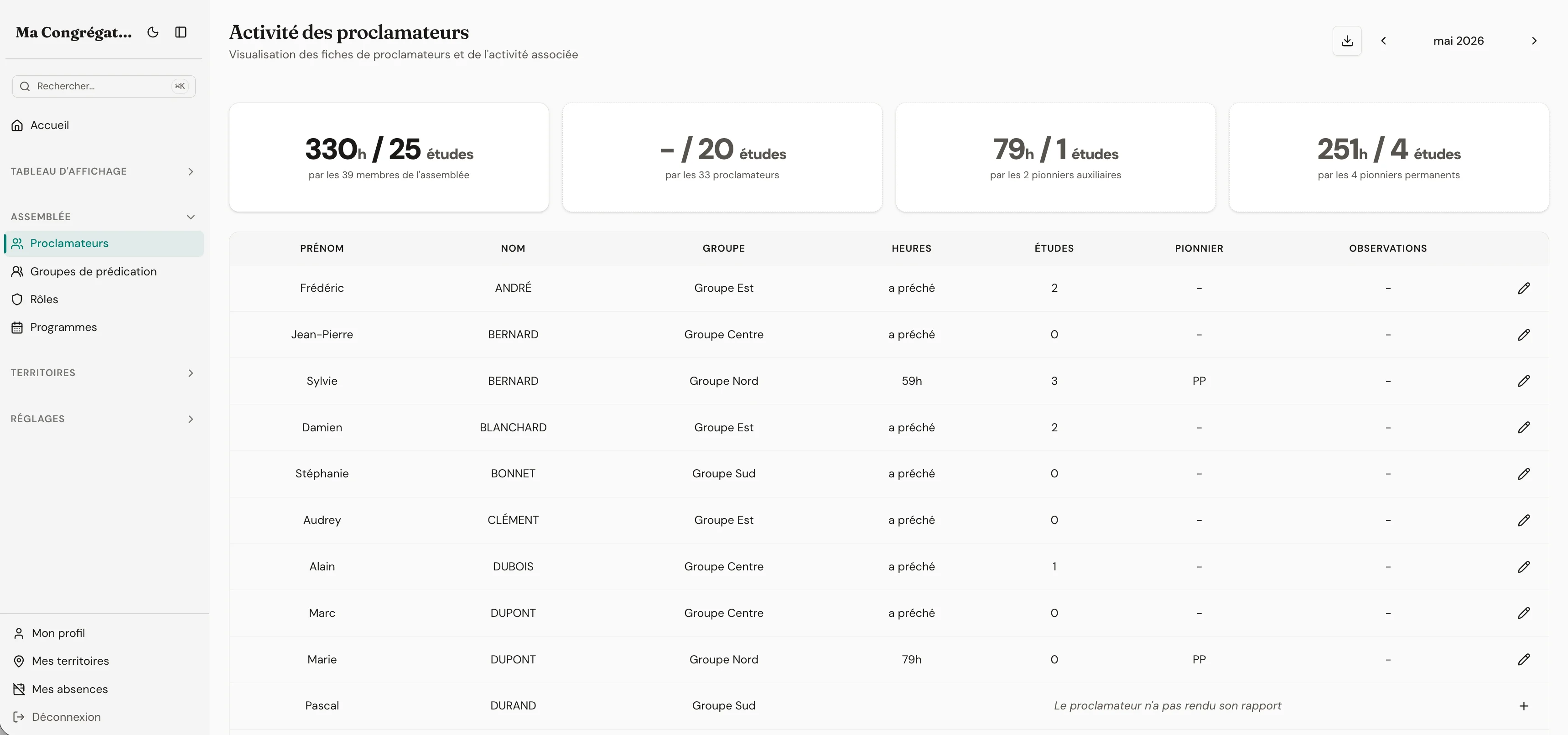
Log — the detail when you need it
Care & readiness
When minutes matter, the roster is already printed.
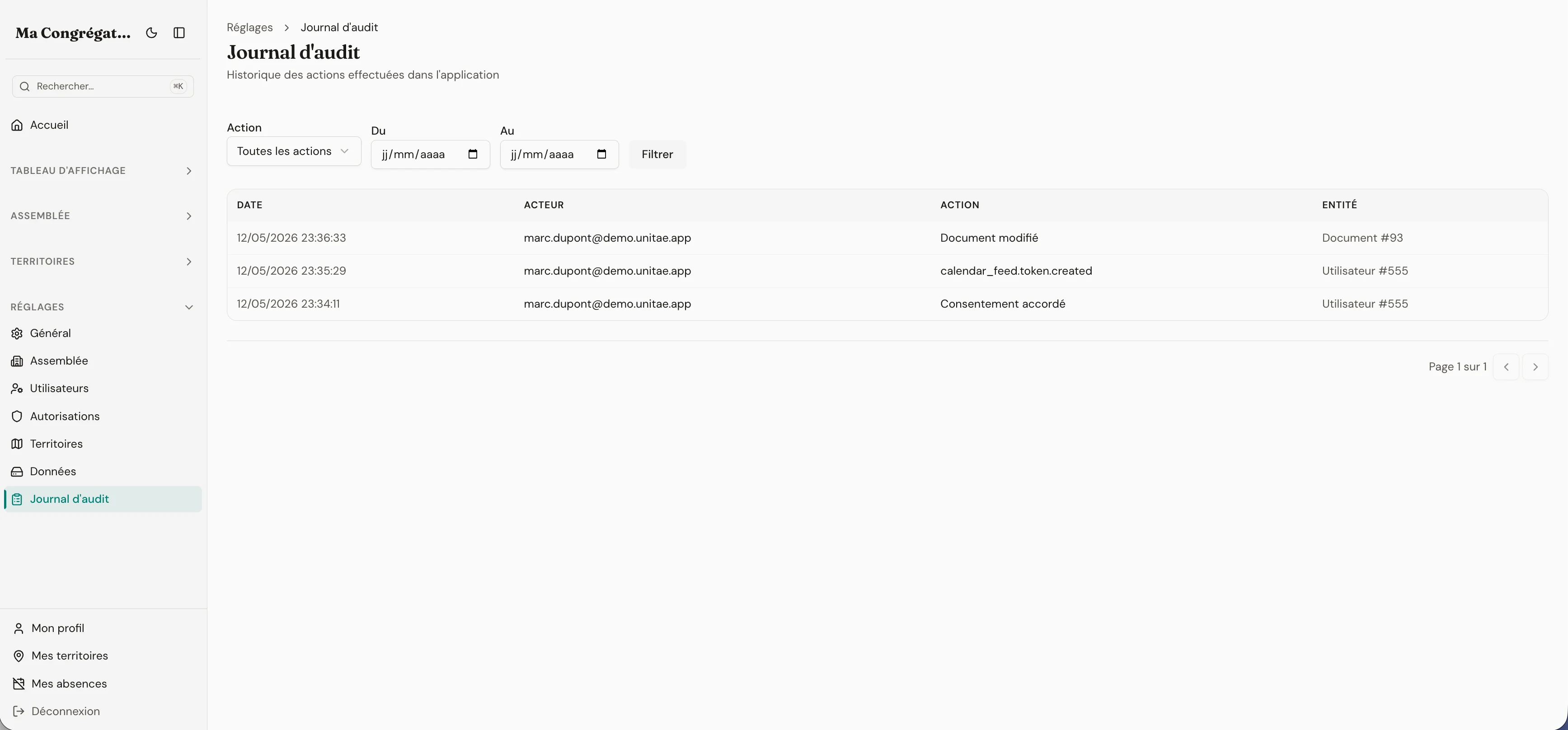
A crisis is the worst moment to be searching for who to call. Each member’s profile can carry the essentials — whether their advance-directive card and survival backpack are ready, and the people to reach on their behalf — and the whole congregation, or a single group, prints to a clean roster in one click. Group responsibles keep their own group current without any extra permission, and because emergency contacts are other people’s details, they are wiped automatically when a member is anonymised.
Advance directive
Card up to date, at a glance
Survival backpack
Go-bag ready, or not yet
Emergency contacts
Who to reach, and how
GDPR done quietly
When someone moves away, mark them as left — reversible, history preserved. When you no longer need their identifying data, anonymise the profile: name, contact and dates are scrubbed, but the activity numbers stay (without a name attached) so the congregation's statistics remain accurate. Every anonymisation is recorded in a deletion ledger for backup reconciliation.
Your next monthly report is due in a few days.
Reclaim the last week of every month.
14 days free. No credit card. No commitment.
14-day free trial · no credit card required